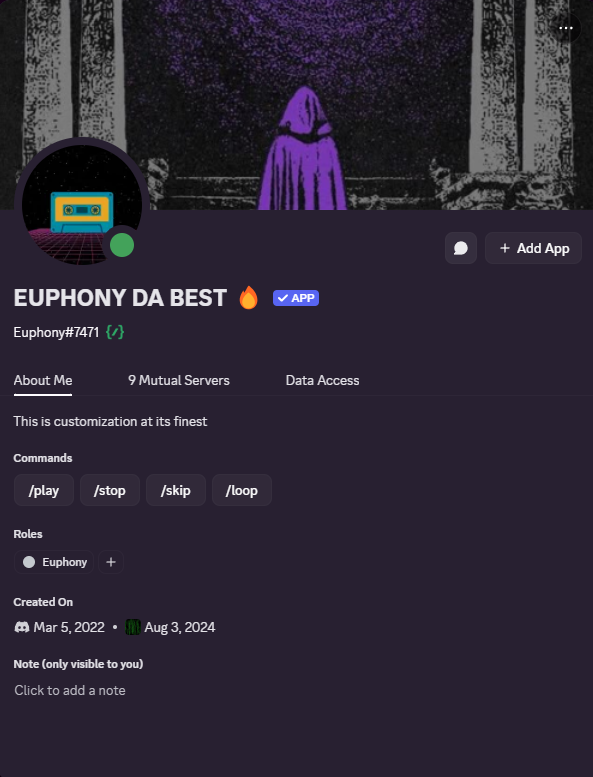
Exceptional quality
Premium audio servers and higher quality playback for paid members who want the best Euphony can deliver.

Over 358 thousand servers, millions of users.
Free to use and built for Discord communities, Euphony brings autoplay, radio modes, advanced playlists, queue restoration, and a next-generation music experience.
Feature Packed
Euphony starts simple, then scales into advanced audio, radio, playlists, server automation, and fully customized premium bots.
Player Experience
Euphony keeps playback easy to understand while still giving power users the tools they expect.
Premium audio servers and higher quality playback for paid members who want the best Euphony can deliver.
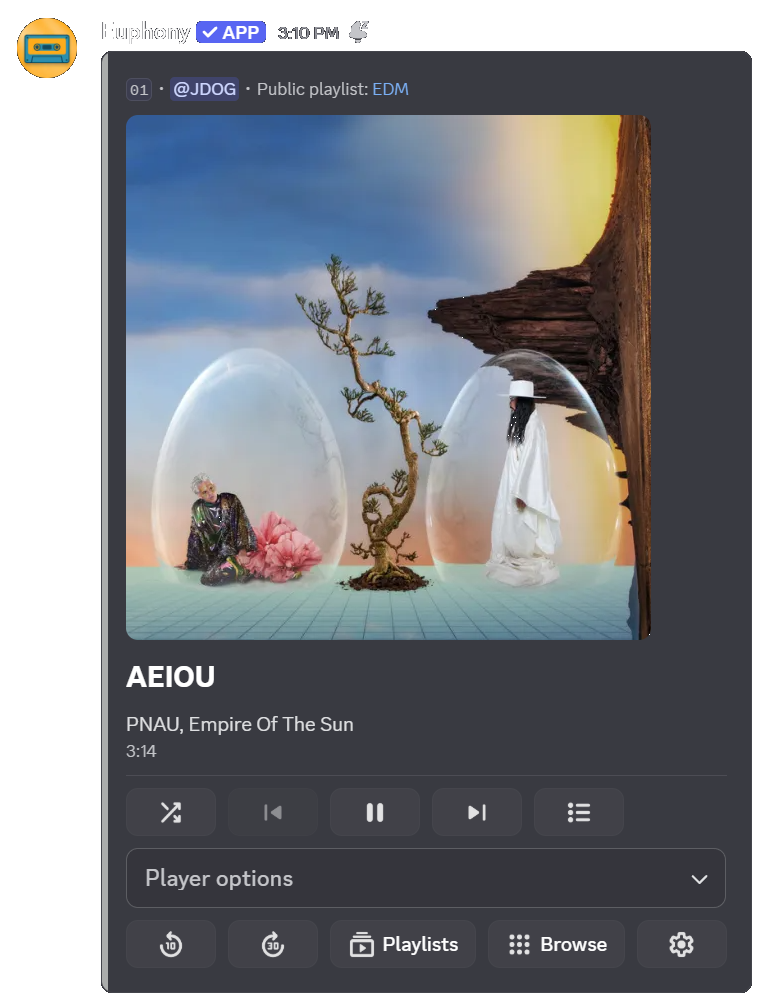
A clean, user-friendly player that makes queue control, playback, and playlist actions feel natural.
Choose whether player messages edit in place or send a new message, while previous tracks keep quick add buttons.
Playback Power
From smooth transitions to party tricks, Euphony gives servers more personality than a basic music bot.
Smooth track transitions, gapless-style listening, smarter queue mixing, autoplay, lyrics, and more.
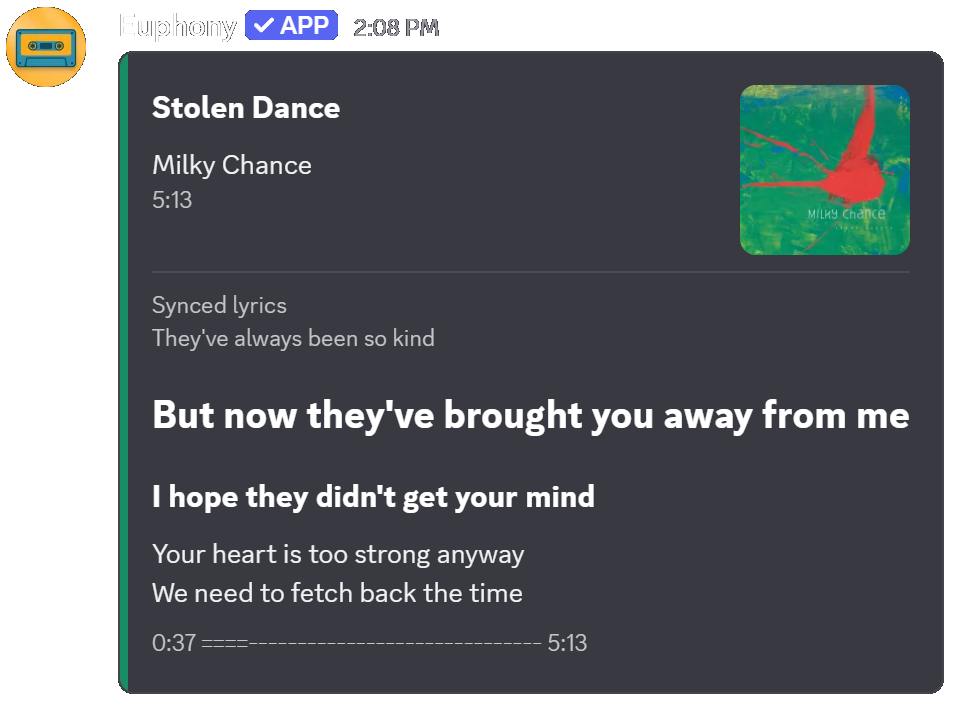
Follow along with time-synced lyrics that move with the current track, right inside the player experience.
Audio modifiers let members shape playback with more fun and control when premium features are active.
Optional voice lines can play when Euphony joins, the queue empties, or the bot disconnects.
Discovery
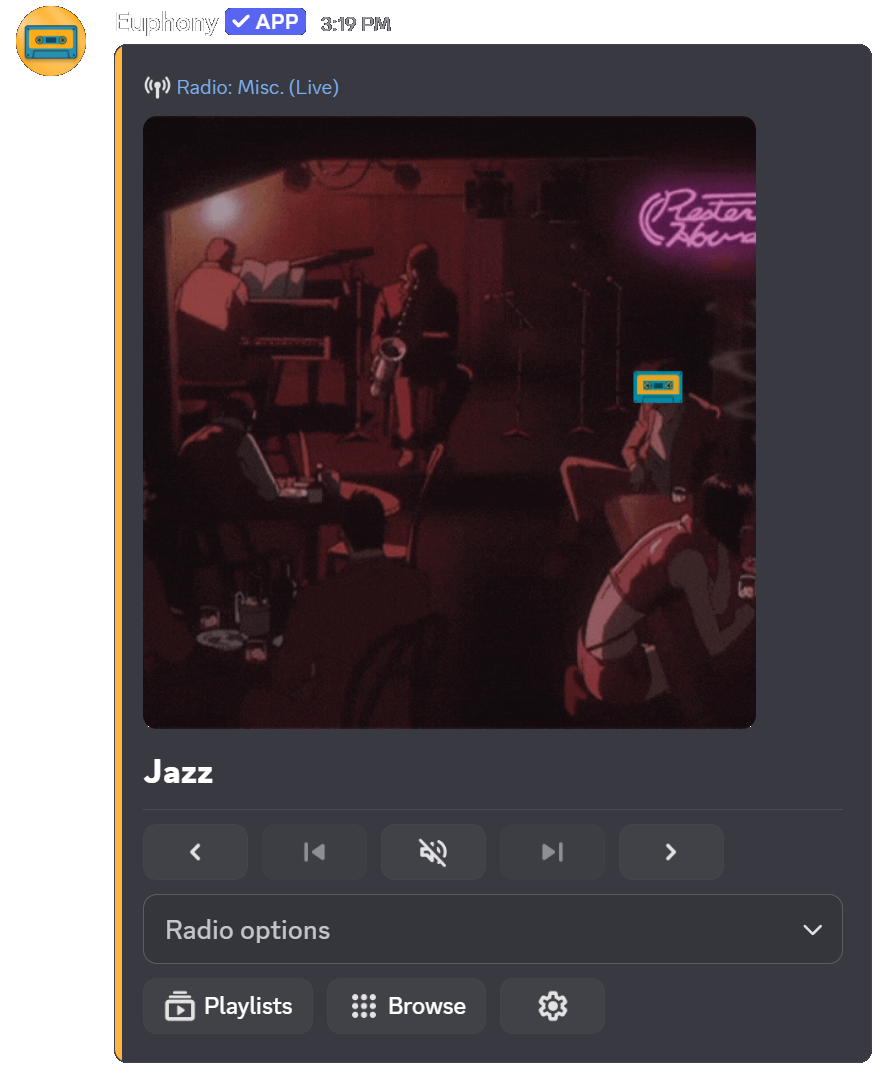
Start with a word, an artist, a listening history, or a live station and let Euphony keep the room moving.
Type any word, genre, vibe, or station name and Euphony builds a radio mode around it.
Play radio based on your listening history, a server's listening history, or global Euphony listeners.
Create stations from up to three artists, tune into live radio, or use GTA V radio with real in-game voice lines.
Library
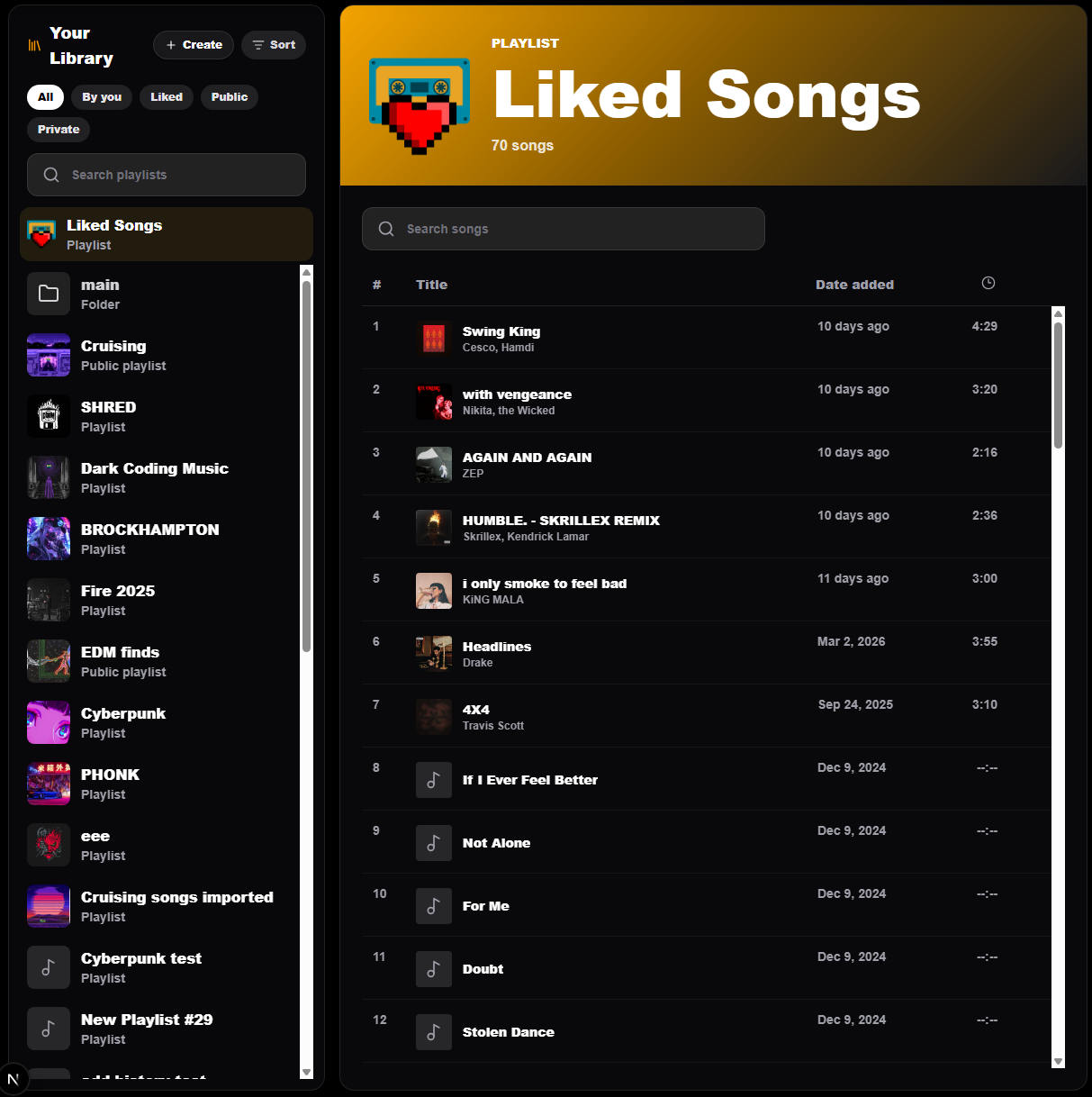
Keep your music organized, searchable, public when you want it, and synced from the places you already listen.
Advanced playlist management, liked tracks, public playlists, and followable libraries for other listeners.
Import playlists and albums from other platforms, then choose one-time import or ongoing sync.
Search and play your own playlists directly from the /play command autocomplete choices.
Server Control
Server tools help communities keep music fair, organized, and always available when people are hanging out.
Limit bot control to selected roles so only the right members can manage playback.
Keep Euphony connected to a voice channel so the music setup is ready whenever members join.
Auto queue links from a chosen text channel, or require two thirds of voice members to vote before skipping.

Personalization
Premium servers can push Euphony further with branded bots, richer stats, and deeper member features.
Customize all Euphony bot names, avatars, banners, and bios to match your community.
Use extra Euphony bots so multiple groups can listen in different voice channels at the same time, with even more bots unlocked on paid tiers.
Connect your Last.fm account to scrobble your now playing tracks while Euphony keeps your listening history moving with you.
See personal, server, and global listening stats across the Euphony community.